# Soundux Community
Table of Contents
Soundux Community
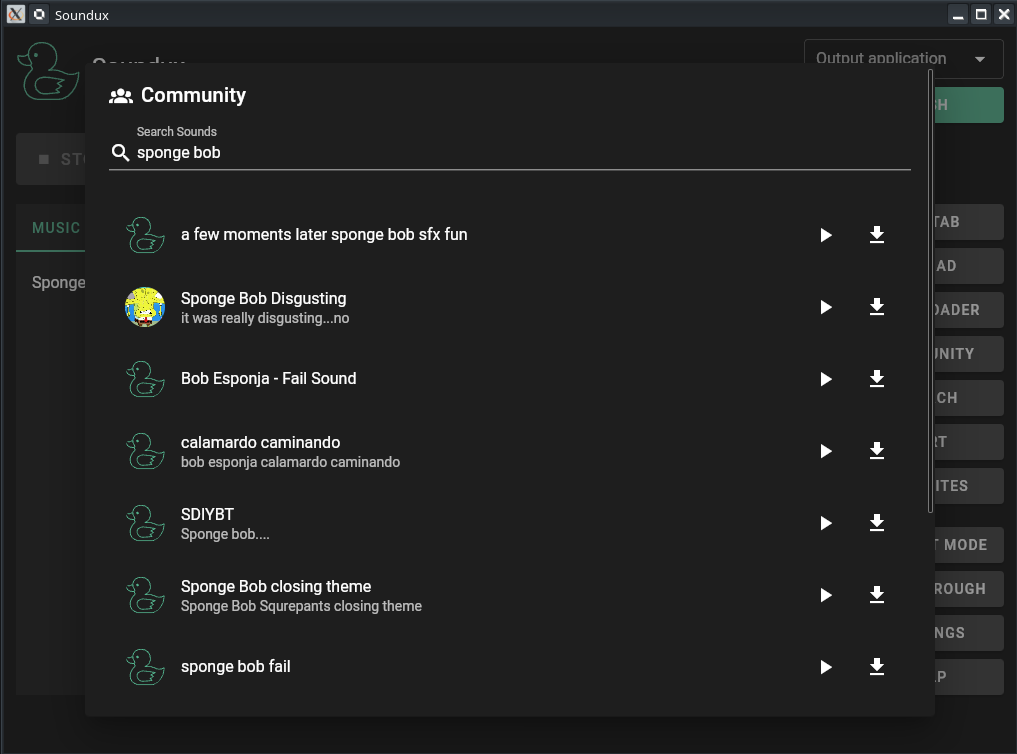
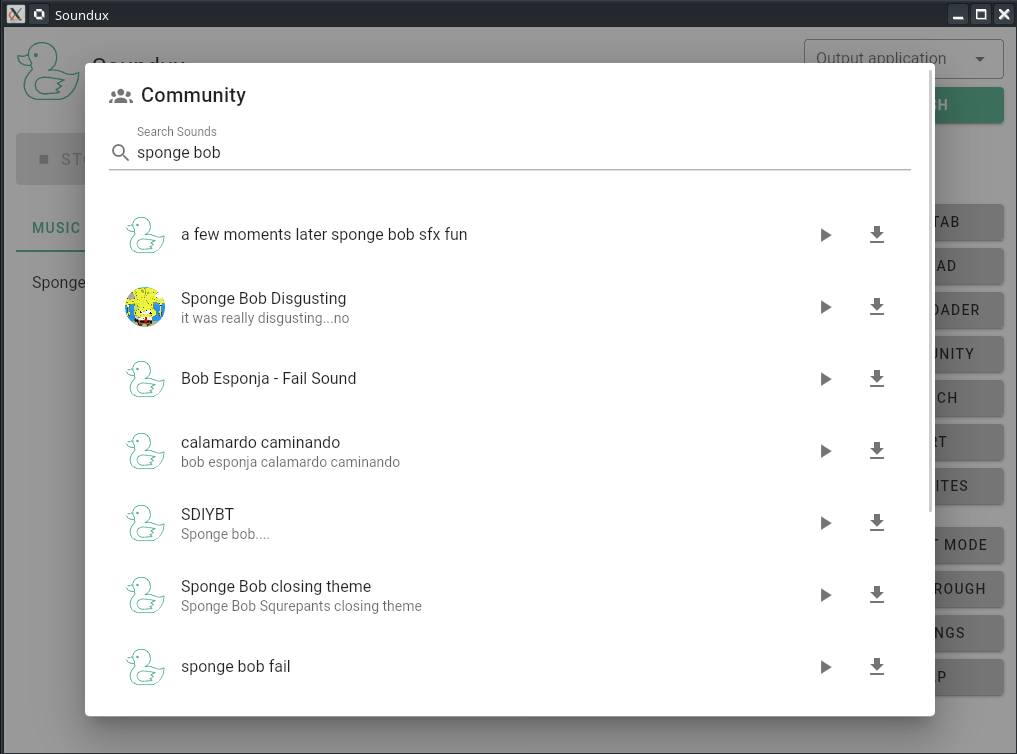
Soundux is a cross-platform soundboard that features a simple user interface. With Soundux you can play audio to a specific application on Linux and to your VB-CABLE sink on Windows.
Table of Contents
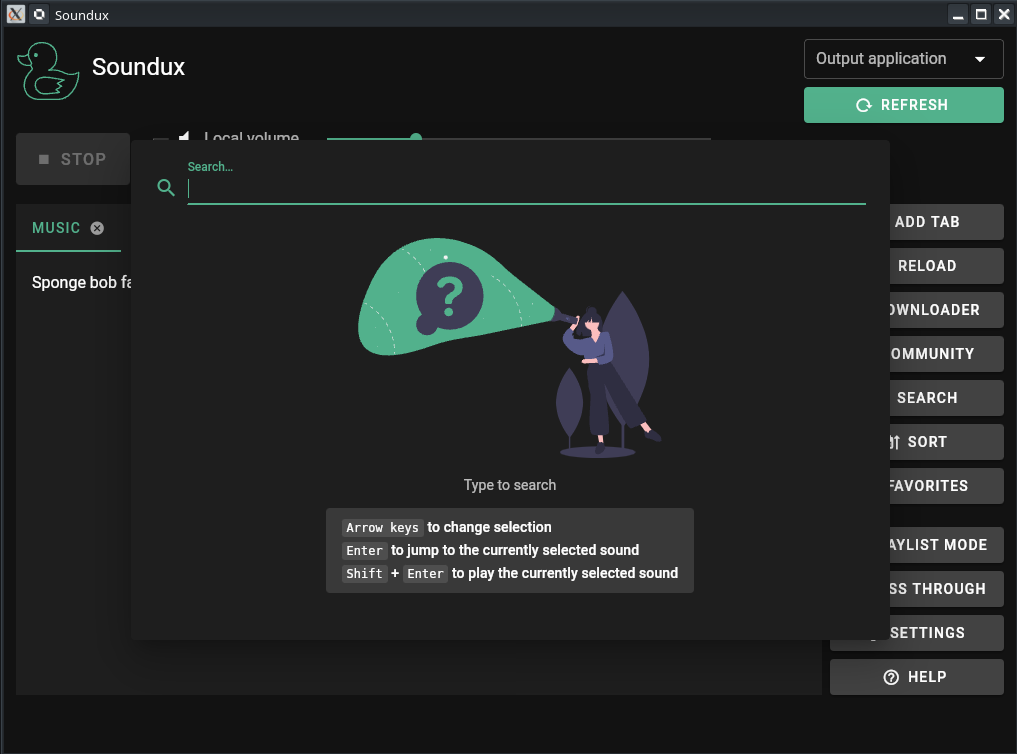
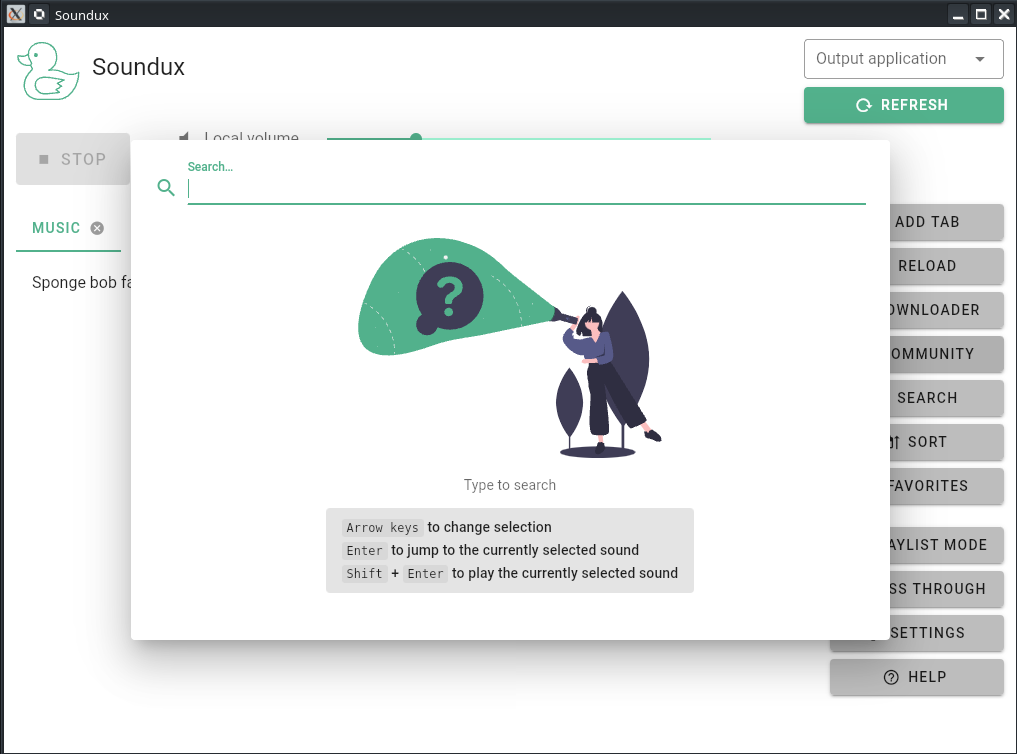
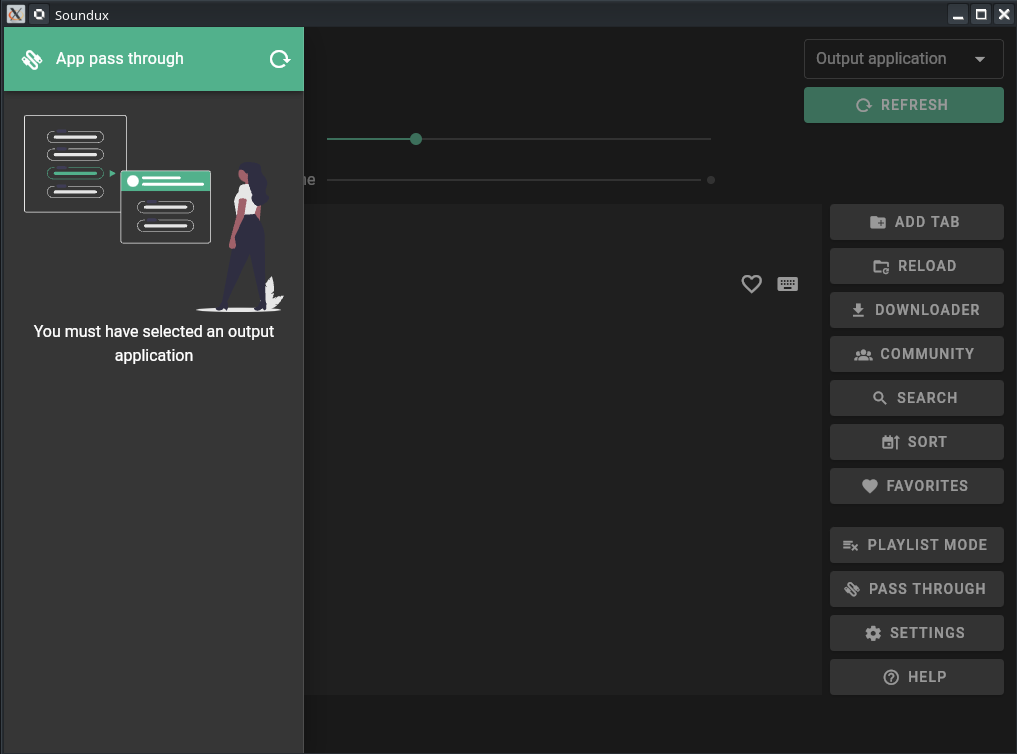
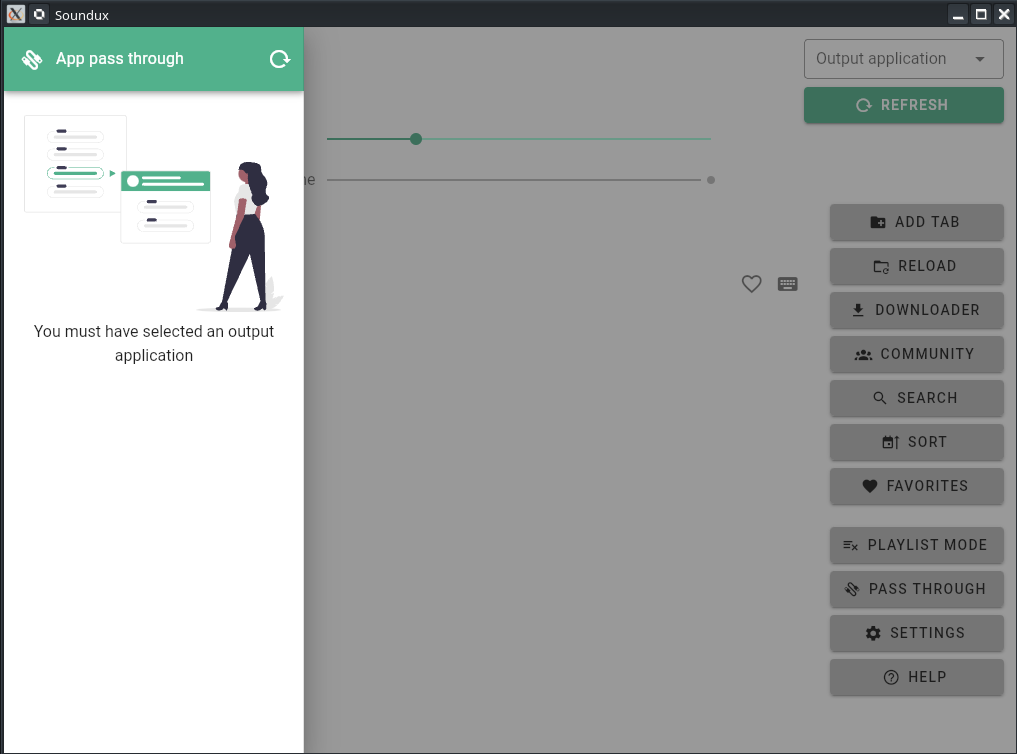
Preview
| Dark Interface | Light Interface |
|---|---|
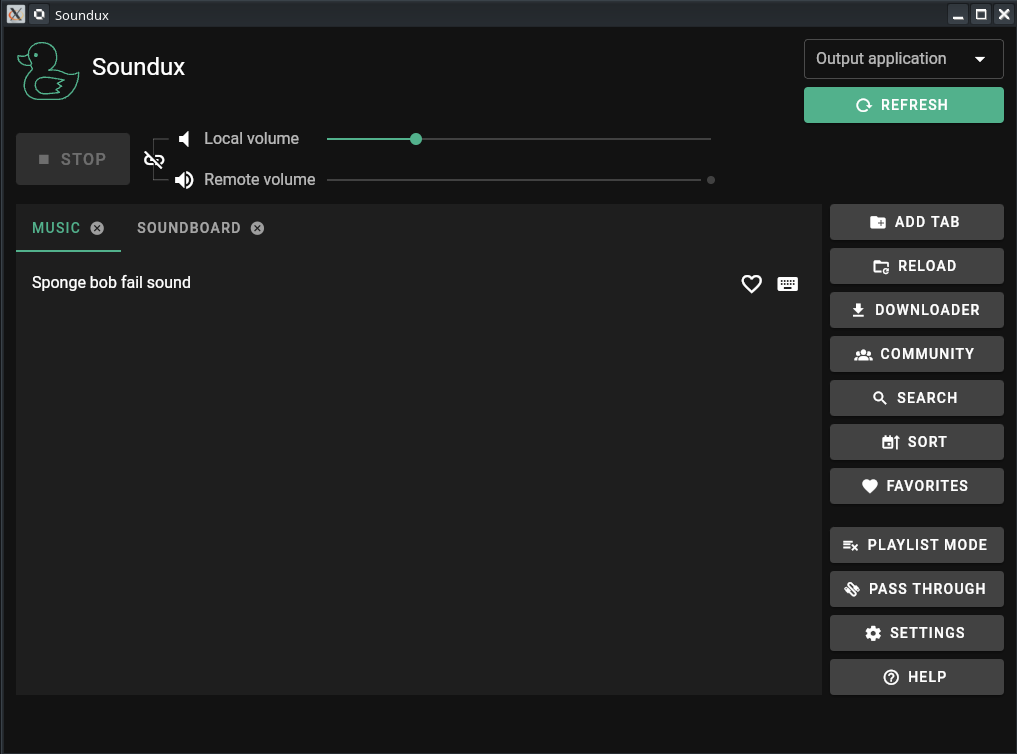 | 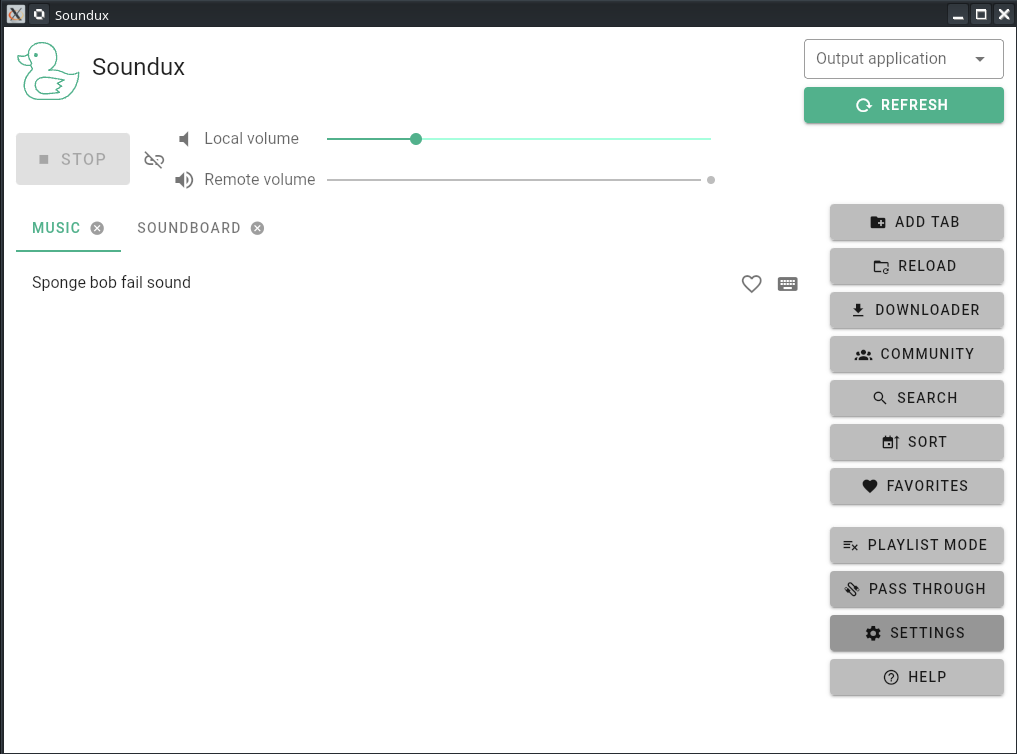 |
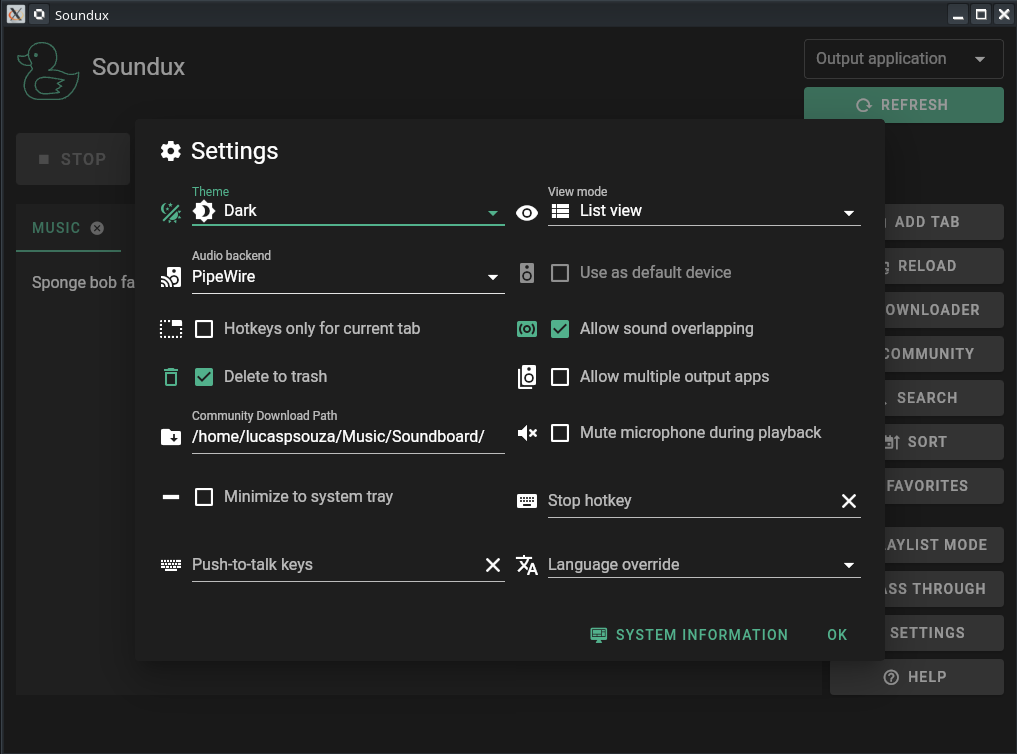 | 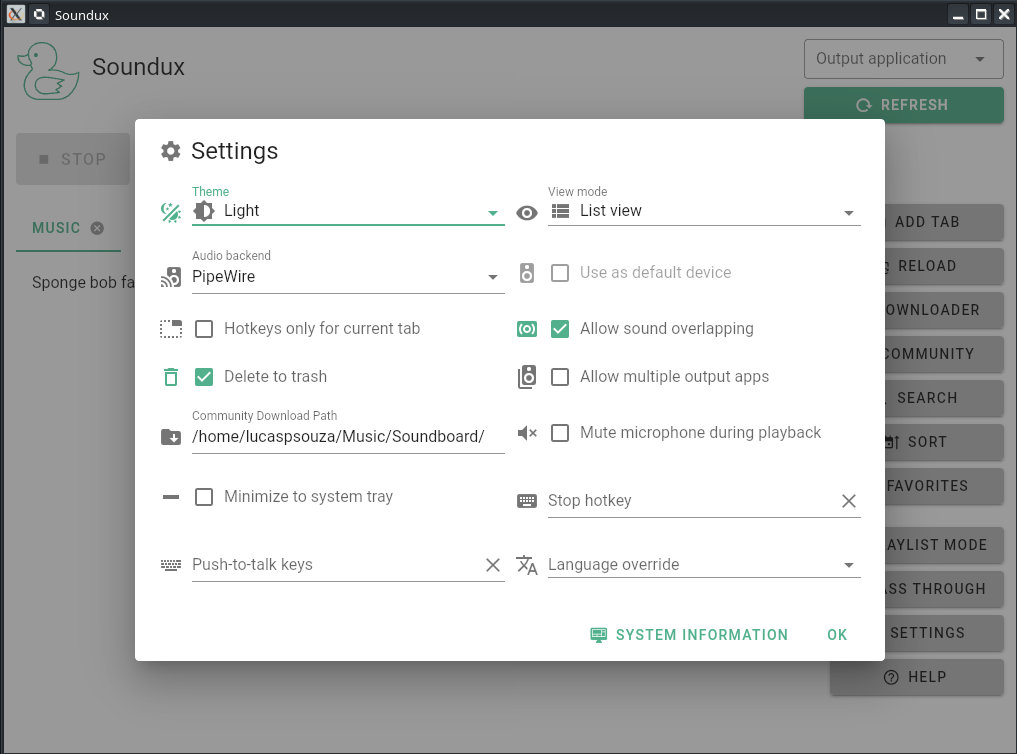 |
 |  |
 |  |
 | |
 |  |
Runtime Dependencies
These are required to run the program.
Linux
Please refer to your distro instructions on how to install:
- pulseaudio / pipewire >= 0.3.26
- Xorg
- Libwnck3 (optional, for icon support)
- Webkit2gtk
- libappindicator3
- youtube-dl & ffmpeg (optional, for downloader support)
Windows
- VB-CABLE (Our installer automatically installs VB-CABLE)
- Webview2 Runtime (Is also shipped with the installer)
- youtube-dl & ffmpeg (optional, for downloader support)
Installation
Linux
Arch Linux and derivatives
You can install our package with your AUR helper of choice which will automatically compile and install the latest release version:
yay -S sounduxUbuntu and derivatives
You can install Soundux via pacstall:
pacstall -I sounduxFedora
Soundux can be installed via COPR repository:
sudo dnf copr enable rivenirvana/sounduxsudo dnf install soundux pipewire-develWindows
Download our installer or portable from the latest release on GitHub.
Compilation
Clone the repository:
git clone https://github.com/Soundux/Soundux.gitcd Sounduxgit submodule update --init --recursiveCreate a build folder and start compilation:
mkdir buildcd buildcmake ..cmake --build . --config ReleaseTo start the program:
./soundux # .\soundux.exe on WindowsContributing
Contributions of any kind are welcome! Please check the GitHub repository for more details and guidelines.
License
The code is licensed under GPLv3.