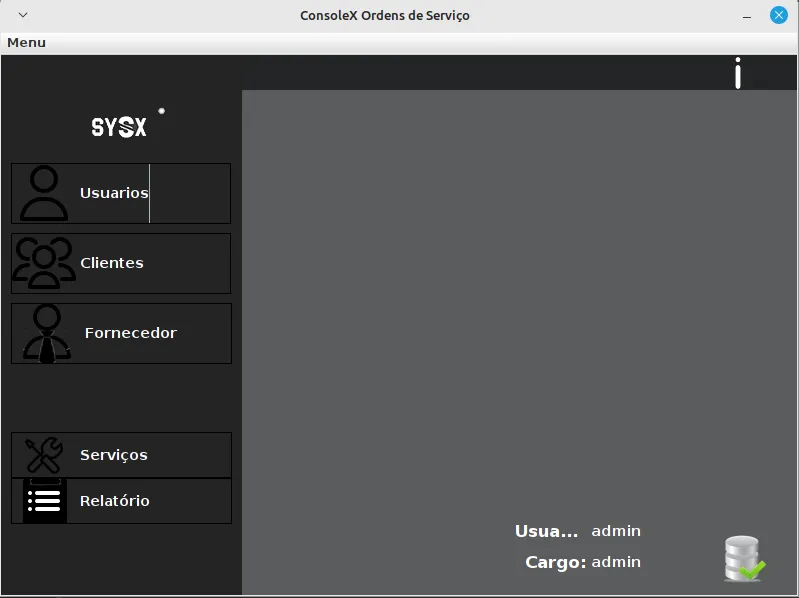
# <T>OS
1 min read
Table of Contents
<T>OS

PT-BR manual and installation here: README_PT-BR
Technologies:
| MYSQL | JAVA | DOCKER | or | Xampp (optional) |
|---|---|---|---|---|
| 8.0.32 | 17.0.6 | Latest | — | Latest |
Installation
Manual and Java installation
https://www.java.com/pt-BR/download/manual.jsp
Docker manual and installation
https://docs.docker.com/engine/install/
Xampp Website for installation
https://www.apachefriends.org/pt_br/index.html
Docker compose 
In your directory, make or get from my repository [/docker/docker-compose.yaml] docker-compose.yaml
or use wget
wget https://github.com/lucaspereirasouza/OSJFX/blob/master/docker/docker-compose.yamlXampp 
After finish xampp installation, turn on the apache and mysql servers and acess the local host
detail: xampp local acess has not login in localhost
- user: root
- senha: root@passwd@changeme
Xampp URL
http://localhost/phpmyadmin/
Container URL:
127.0.0.1:8080
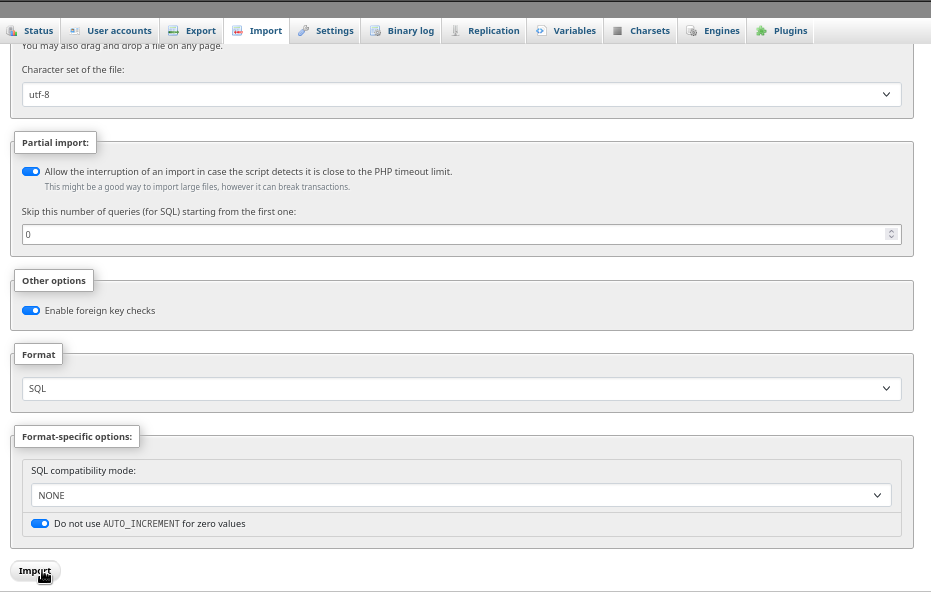
phpMyAdmin database importation:
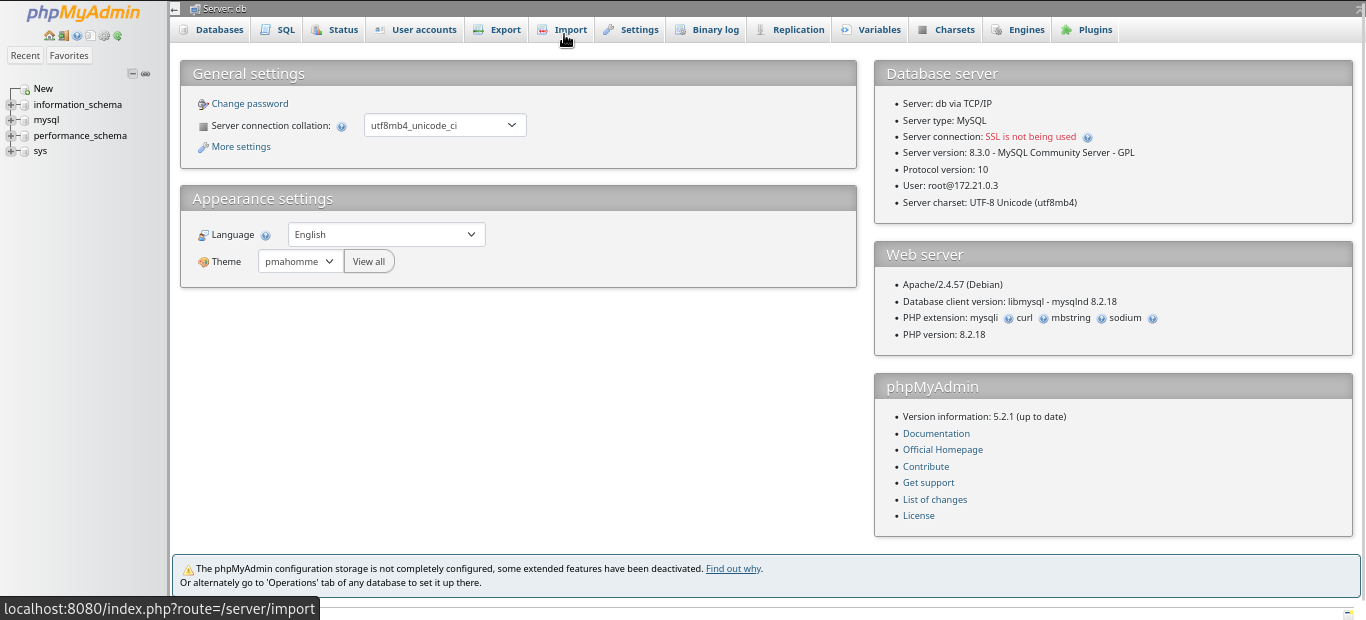
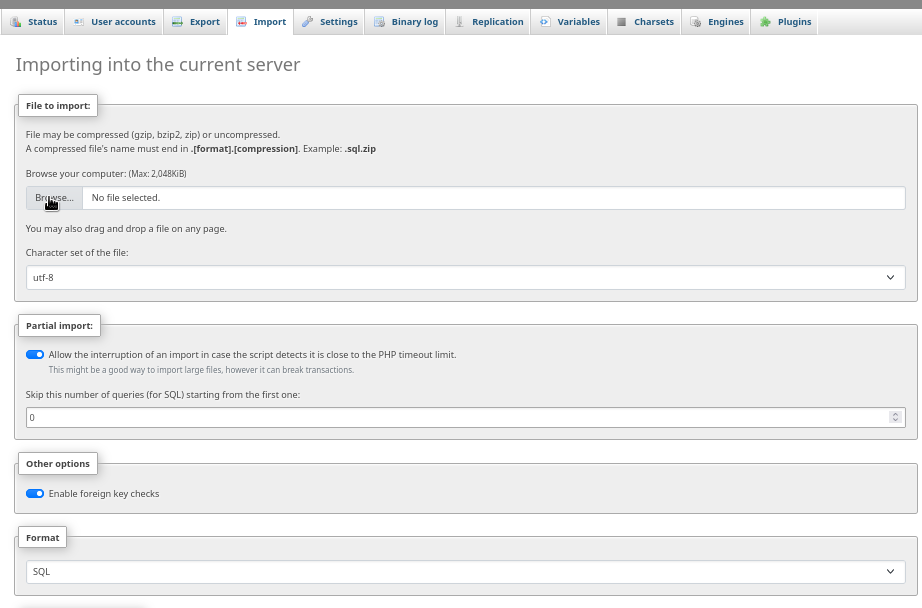
in directory /database/, insert the SQL file

Usage:
Aplication admin login:
- user: admin
- pasword: admin
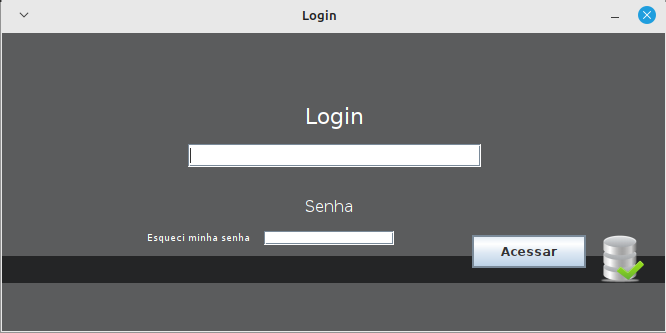
Application Login
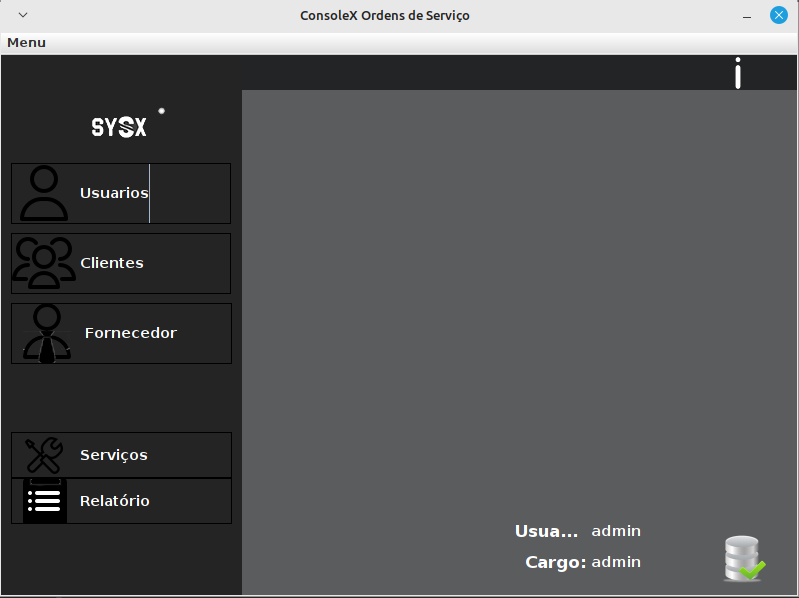
Menu
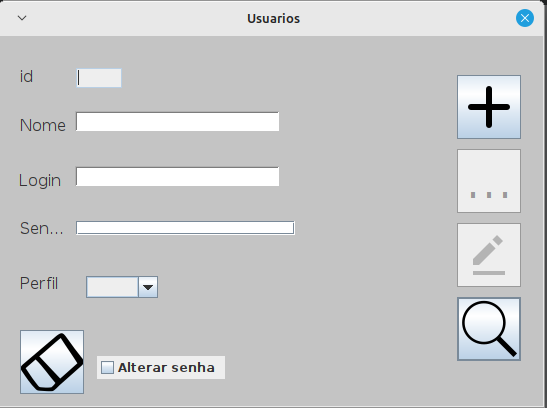
User creation
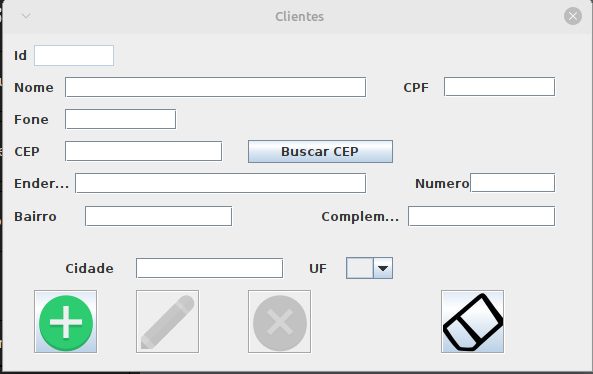
Clients
Services
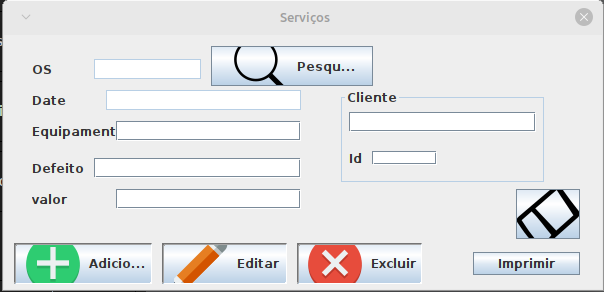
Stock managment
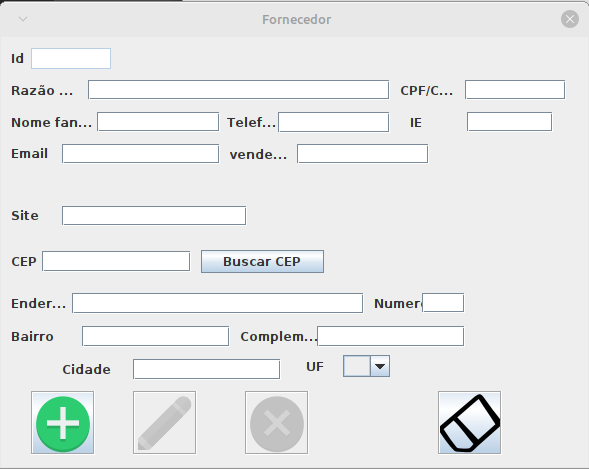
Services and client PDF
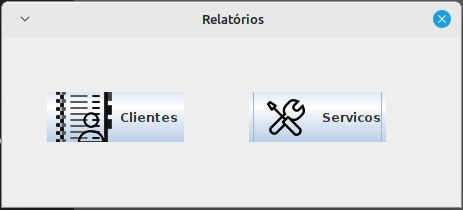
made by:
Lucas pereira de souza
autor and java windows Builder course teacher:
Professor José de assis